
AI Stem Separator
for Mac
Unlock the acapella in every track you own.
The fastest way to extract studio-quality vocals, drums, and instruments from your existing music library.
Live totals from Stemverter users — updated daily
from full tracks
Your remix material is already on your hard drive.
Stop hunting for rare acapellas online. Stemverter gives you the power to isolate the exact elements you need from any song, directly on your Mac.
- No cloud uploads required
- Pristine 24-bit extraction
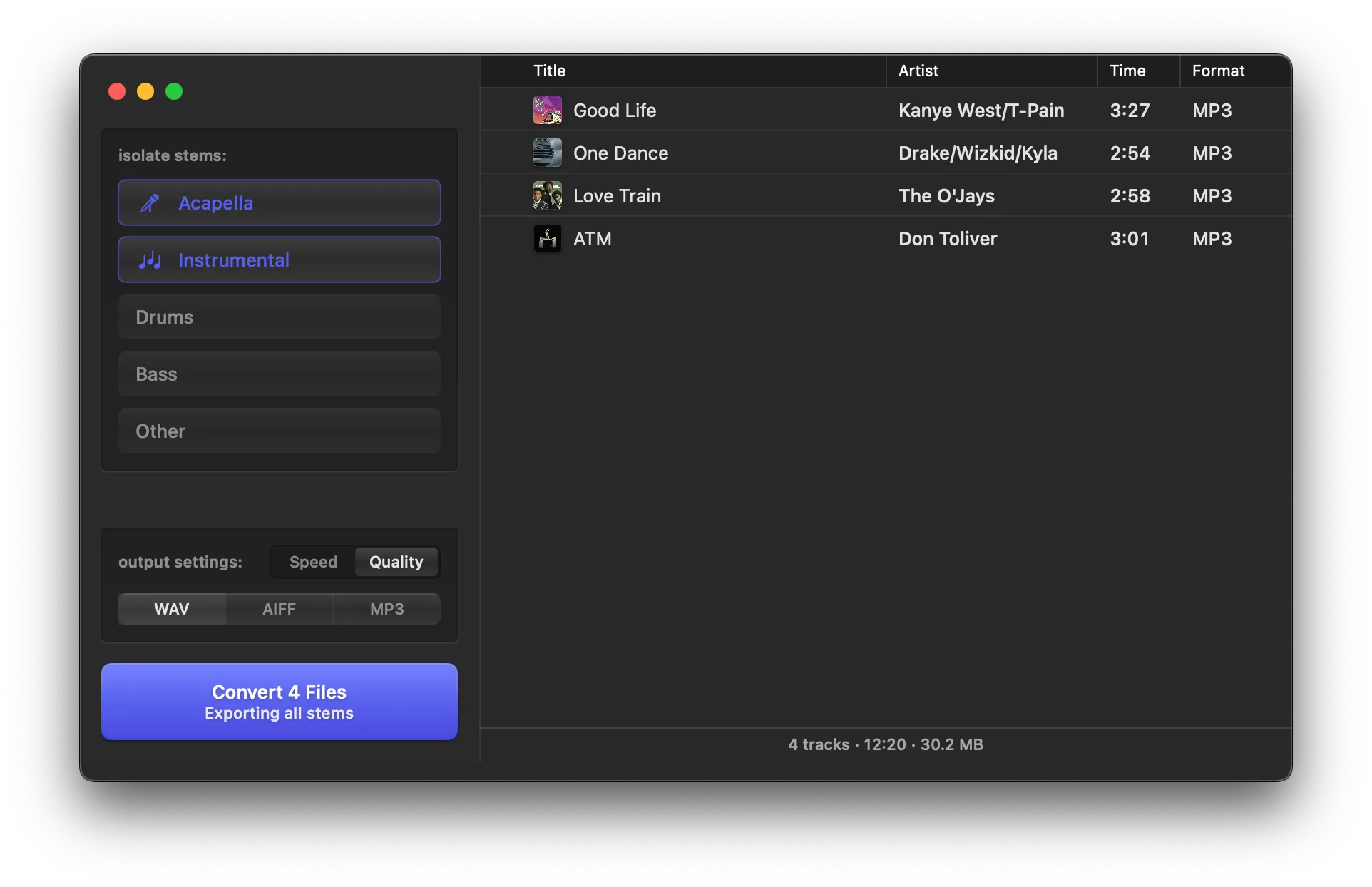
- Export to WAV, MP3, or AIFF
Designed for the modern producer's workflow
Everything you need to flip a track.
A complete toolkit for isolating audio, built into a fast, native macOS application.
Advanced Separation Models
Powered by DEMUCS for incredibly clean isolation of vocals and instruments.
Flexible Processing
Run a quick 1x pass for drafts, or a 4x pass for final studio quality.
Lossless Pipeline
Maintains full 24-bit audio depth throughout the entire separation process.
Queue Up to 10 Tracks
Drop in a whole playlist and let Stemverter process them all in the background.
Preserve Your Tags
Original ID3 data like BPM and Key are copied over to your new stems.
Buy Once, Use Forever
No subscriptions or credits. Process as many tracks as you want.
Native Performance
Built for Apple Silicon
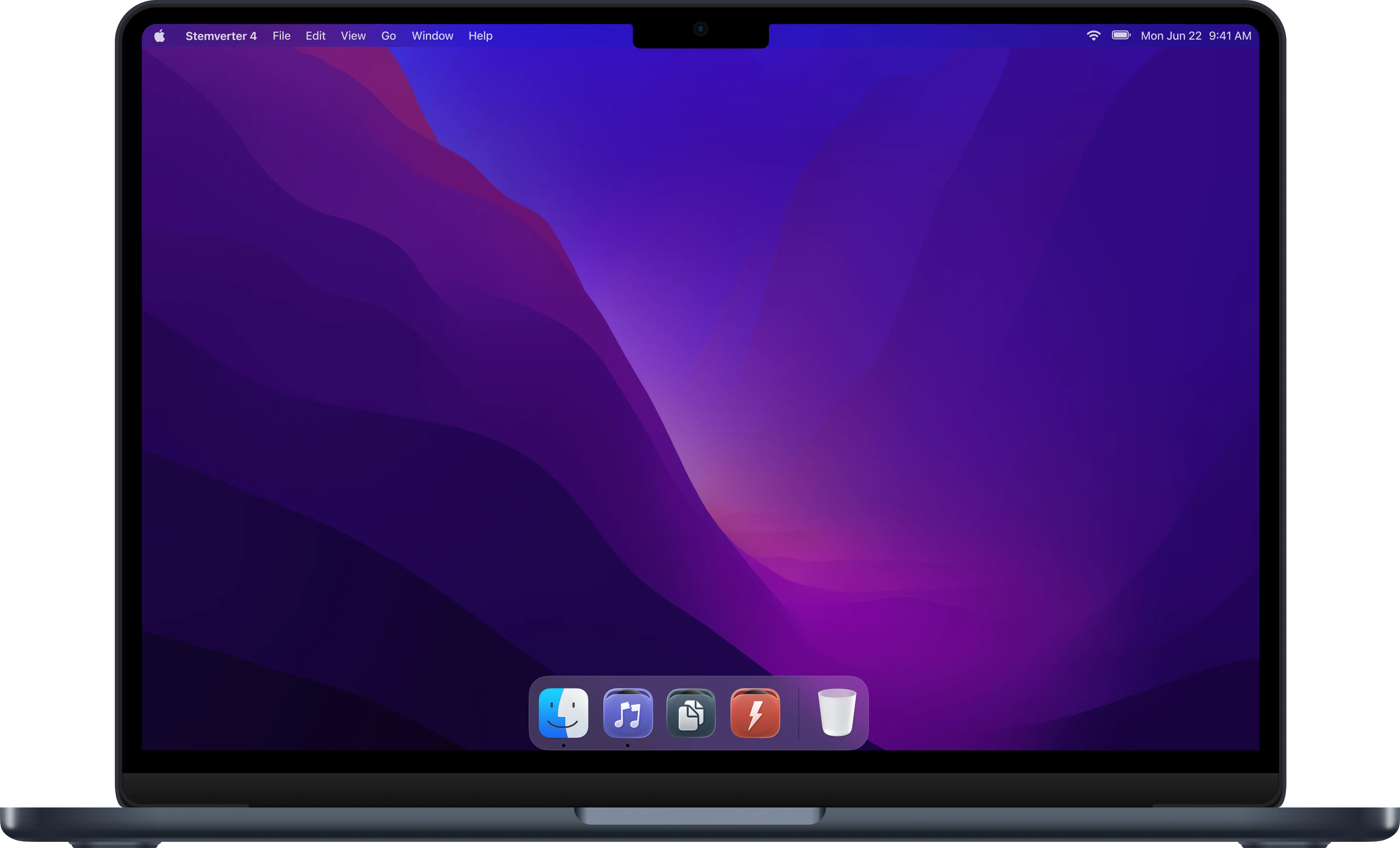
Stemverter 4 runs natively on Apple Silicon (M1, M2, M3, M4) and macOS 14 Sonoma or later — no Rosetta, no cloud.
If your Mac doesn't meet the Stemverter 4 requirements, the installer automatically gives you Stemverter 3 at download — same one-time price, same license. Stemverter 3 runs on Intel and Apple Silicon Macs with macOS 11 Big Sur or later. Already own Stemverter 3? Stemverter 4 is a free upgrade on any Mac that meets the requirements above.
DJs and producers love Stemverter.
See what some of the best DJs and producers in the game have to say.
“Stemverter is one of my favorite tools now! I basically use it for most of my edits and remixes. It saves me so much time trying to find acapellas and instrumentals. Every DJ/producer needs to get this ASAP!”
BEATBREAKER
@djbeatbreaker
“Stemverter has made the process of grabbing an acapella seamless. I can't count the number of times this app has allowed me to get a part of a song that wasn't available otherwise.”
Mick Boogie
@mick
“Stemverter opens up a whole world of creativity for DJs and producers alike. I could not recommend it enough!”
dj mOma
@djmoma
“I like the simplicity and the fact that you can drag and drop files right onto the app. The stems come back really quickly and it's totally changed how I do blends and remix production.”
Trayze
@djtrayze
“This app is the truth! If you are a creative with the music, Stemverter gives you so many creative possibilities to create your own remixes and unique custom versions of songs.”
AUDIO1
@djaudio1
“Acapellas have become harder to source and sometimes, I don't want to search for hours to have a small piece of a song for an edit or a transition. With Stemverter, I am able to do it all in seconds.”
DJ Konflikt
@MyFavoriteDJ
“I use Stemverter to quickly create stems to use in both a production and performance setting. Most of the time I use it for acapellas, but I also sometimes use it to grab things like keyboard riffs, guitar licks, or other music samples.”
DJ ENFERNO
@djenferno
“One of the coolest things about Stemverter is that it actually allows you to deconstruct songs down to their elements and gives you a look at the actual DNA of some of the greatest music in history.”
Cosmo Baker
@cosmobaker
“A complete game changer. The simplicity, turn around and quality make it all worth it. No other solution is as quick and good as Stemverter.”
DJ KA5
@DJKA5
State-of-the-art separation.
We use the latest machine learning models to give you the cleanest possible stems without relying on cloud servers.
DEMUCS Powered
Utilizes the industry-leading DEMUCS engine for precise frequency isolation.
Trained on Terabytes
Models trained on massive datasets to recognize and separate complex audio patterns.
Total Privacy
Your music stays on your Mac. No uploading files to third-party servers.
Two Activations
One purchase gives you lifetime access and covers two of your personal Macs.
Stemverter 4 Pricing
Stemverter 4
Lifetime access for two of your personal Macs
$49
One time purchase